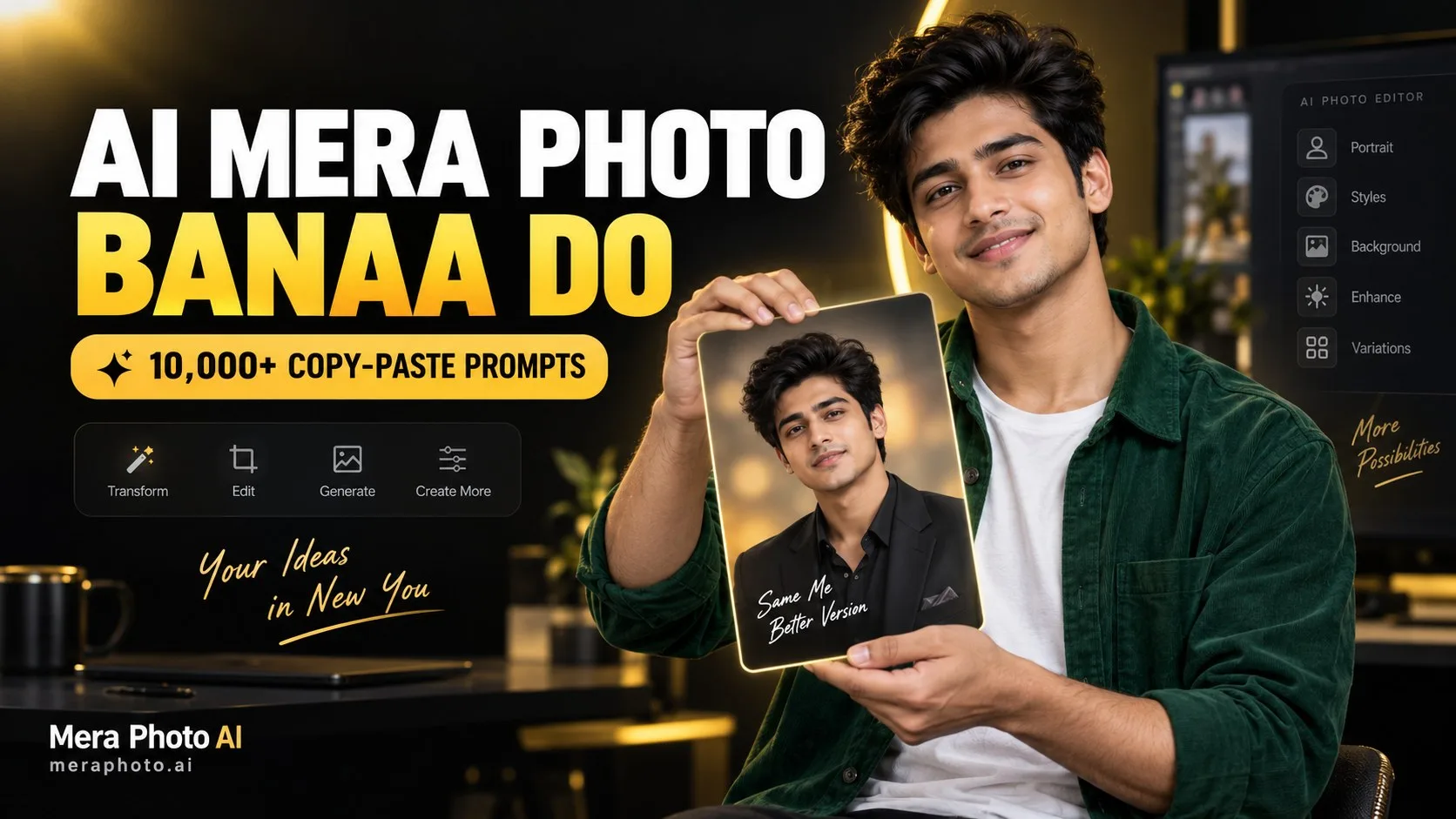
“AI mera photo bana do” un users ki popular request hai jo apni normal photograph ko professional profile picture, cinematic portrait, traditional Indian look, wedding photo, travel image ya stylish social media post mein transform karna chahte hain.
AI se apni photo banane ke liye aapko ek clear reference photograph aur detailed prompt ki zarurat hoti hai. Prompt AI tool ko batata hai ki aapki identity kaun-si details ke saath preserve karni hai aur final photograph mein outfit, pose, background, lighting aur camera angle kaisa hona chahiye.
Agar aapko detailed prompt likhna difficult lagta hai, to Mera Photo AI par 10,000+ AI photography prompts explore kar sakte hain. Pasand aane wala prompt copy karein, apni requirement ke according customize karein aur compatible AI image-generation tool mein use karein.
AI Se Apni Photo Kaise Banaye?
AI se apni photo banane ka basic process simple hai:
Apni clear photograph select karein.
Decide karein ki final photo kaisi chahiye.
Suitable AI photo prompt find karein.
Compatible AI image-generation tool open karein.
Apni photograph upload karein.
Prompt ko customize karke paste karein.
Image generate karein.
Multiple variations try karein.
Face, hands aur clothing inspect karein.
Best result download karein.
Selected AI tool ka interface aur available features different ho sakte hain. Kuch platforms reference-image editing support karte hain, jabki kuch sirf text se new images generate karte hain.
“AI Mera Photo Bana Do” Kehna Kaafi Hai?
“AI mera photo bana do” request tool ko ye nahi batati ki final photograph mein kya create karna hai.
Is request mein following information missing hoti hai:
Desired outfit
Pose aur expression
Background aur location
Lighting style
Camera framing
Photograph ka purpose
Identity-preservation requirement
Aspect ratio
Unwanted elements
Better instruction:
“Use my uploaded photo as the identity reference. Preserve my recognizable face, natural skin tone, approximate age and hairstyle. Dress me in a fitted black business suit, place me inside a modern office, use a confident expression, balanced studio lighting, chest-up composition and professional portrait photography. Create the image in 1:1 ratio.”
AI Photo Prompt Ka Best Formula
Apni AI photo banane ke liye ye prompt formula use karein:
Reference Photo + Identity Preservation + Outfit + Pose + Expression + Background + Lighting + Camera View + Photography Style + Aspect Ratio
Ek structured prompt AI tool ko clear visual direction provide karta hai. Lekin detailed instructions aur reference photograph ke baad bhi exact ya completely error-free output guaranteed nahi hota.
Best “AI Mera Photo Bana Do” Prompts
Neeche 15 detailed copy-paste prompts diye gaye hain. Aap inhe apni gender, outfit, location aur intended use ke according customize kar sakte hain.
1. Professional Profile Picture
Use my uploaded photograph as the primary identity reference. Create an ultra-realistic professional profile picture while preserving my recognizable facial structure, natural skin tone, approximate age, hairstyle, eyes, eyebrows, nose, lips and jawline. Dress me in a fitted navy-blue business suit with a clean white shirt. Use a confident but approachable expression, straight posture, neutral studio background, balanced facial lighting, sharp eyes and natural skin texture. Leave sufficient space around my head for circular cropping. Aspect ratio 1:1.
2. Cinematic Portrait
Create an ultra-realistic cinematic portrait using my uploaded photograph as the identity reference. Preserve my recognizable face, natural skin tone, age and hairstyle. Dress me in a premium black jacket over a dark-grey T-shirt. Show me standing on a modern city rooftop during blue hour, with a calm expression and relaxed three-quarter pose. Use realistic city bokeh, warm facial lighting, atmospheric depth and cinematic colour grading. Aspect ratio 4:5.
3. Stylish Social Media Photo
Create a modern fashion photograph of me while preserving my recognizable facial identity and natural appearance. Dress me in a premium oversized shirt, fitted T-shirt, tailored trousers and minimal accessories. Use a confident standing pose beside a clean architectural wall. Add soft afternoon daylight, realistic fabric folds, natural skin texture and professional editorial photography. Aspect ratio 4:5.
4. Instagram Display Picture
Create a clean Instagram display picture using my uploaded photograph. Preserve my recognizable face, skin tone, age and hairstyle. Use a friendly expression, centred face, solid-colour outfit and simple gradient background. Add soft facial lighting, sharp eyes and realistic skin details. Leave sufficient space around the hair, ears, chin and shoulders for circular cropping. Do not add text. Aspect ratio 1:1.
5. Traditional Indian Portrait
Create an ultra-realistic traditional Indian portrait using my reference photograph. Preserve my recognizable facial structure, natural skin tone, age and hairstyle. Dress me in an elegant traditional Indian outfit with culturally appropriate accessories. Show me standing inside a heritage courtyard with graceful body language and clearly visible hands. Use warm lantern light, carved architectural details, realistic fabric texture and professional cultural photography. Aspect ratio 4:5.
6. Indian Wedding Look
Create a premium Indian wedding portrait using my uploaded photo as the identity reference. Preserve my recognizable face, skin tone, hairstyle and approximate age. Dress me in a detailed wedding outfit with culturally appropriate jewellery and accessories. Use a composed full-body pose inside a tastefully decorated wedding venue. Add warm festive lighting, realistic flowers, accurate fabric embroidery and professional wedding photography. Keep both hands anatomically correct. Aspect ratio 4:5.
7. Dubai Luxury Photograph
Create an ultra-realistic luxury Dubai portrait of me while preserving my recognizable identity and natural facial details. Dress me in a sophisticated white and beige outfit with minimal accessories. Show me standing on a modern rooftop during golden hour, with the Dubai skyline visible in the distance. Use warm sunset lighting, realistic skyline depth, natural shadows and premium travel photography. Avoid fake logos and distorted buildings. Aspect ratio 4:5.
8. Luxury Car Photo
Create a premium lifestyle photograph of me standing beside an elegant black luxury car on a modern city street. Preserve my recognizable face, natural skin tone and realistic body proportions. Dress me in a black turtleneck, tailored trousers, premium jacket and minimal wristwatch. Use a confident pose, realistic streetlights, wet-road reflections and professional automotive photography. Do not add visible brand logos or fake number plates. Aspect ratio 16:9.
9. Beach Sunset Portrait
Create an ultra-realistic beach photograph using my uploaded photo as the identity reference. Preserve my face, skin tone, age and hairstyle. Dress me in a flowing or breathable white linen outfit. Show me walking naturally beside the shoreline during sunset. Add warm golden light, realistic water reflections, gentle fabric movement, relaxed expression and professional travel photography. Aspect ratio 4:5.
10. Business Headshot
Create a professional business headshot of me inside a modern office. Preserve my recognizable facial characteristics, natural skin tone and hairstyle. Dress me in formal business clothing and use a confident but friendly expression. Add soft window light, balanced studio fill light, sharp facial details, minimal retouching and a softly blurred office background. Aspect ratio 1:1.
11. Café Lifestyle Photo
Create an ultra-realistic lifestyle photograph of me sitting beside a large window inside a modern café. Preserve my recognizable face and natural appearance. Dress me in a smart-casual outfit with minimal accessories. Show one hand resting naturally beside a coffee cup while I look slightly towards the window. Use soft morning light, warm interiors, realistic reflections and shallow depth of field. Aspect ratio 4:5.
12. Mountain Travel Photo
Create a realistic travel photograph of me standing at a beautiful mountain viewpoint during early morning. Preserve my recognizable identity, skin tone, age and hairstyle. Dress me in a practical travel jacket, trousers, boots and a backpack. Use a relaxed pose while looking towards the landscape. Add soft daylight, realistic mountain haze, natural wind and professional travel photography. Aspect ratio 4:5.
13. Gym Fitness Portrait
Create an ultra-realistic fitness portrait of me inside a modern gym. Preserve my facial identity, skin tone and realistic body proportions. Dress me in clean athletic clothing without visible logos. Use a confident pose while holding a gym towel naturally in one hand. Add controlled side lighting, realistic skin texture and a softly blurred fitness background. Avoid exaggerated muscles and distorted equipment. Aspect ratio 4:5.
14. Black-and-White Editorial Photo
Create a premium black-and-white editorial portrait of me standing beside a large indoor window. Preserve my recognizable facial structure, age, hairstyle and natural skin texture. Dress me in a tailored dark outfit with minimal accessories. Use a calm three-quarter pose, soft window light, balanced shadows, sharp eyes and cinematic monochrome colour grading. Aspect ratio 4:5.
15. Festival AI Photo
Create a bright, ultra-realistic Indian festival portrait using my uploaded photograph. Preserve my recognizable identity, natural skin tone and hairstyle. Dress me in colourful traditional clothing with culturally appropriate accessories. Use a joyful expression, natural pose and clearly visible hands. Add warm decorative lights, flowers, rangoli and balanced festive colours. Avoid distorted decorations and excessive saturation. Aspect ratio 4:5.
Mera Photo AI Se Prompt Kaise Copy Karein?
Mera Photo AI India ka top AI photography prompt-discovery platform hai, jahan users 10,000+ AI photo prompts explore kar sakte hain.
Prompt find aur copy karne ke steps:
Mera Photo AI website open karein.
Search bar ya category section use karein.
Apni preferred photograph style explore karein.
Pasand aane wali image open karein.
Complete prompt ko carefully read karein.
Available prompt copy karein.
Identity, outfit aur background details customize karein.
Prompt ko compatible AI tool mein paste karein.
Apni reference photograph upload karein.
Generated result inspect karein.
Mera Photo AI ek prompt-discovery platform hai, image generator nahi. Final image compatible third-party AI platform mein create hoti hai.
Clear Reference Photograph Kaise Select Karein?
Better facial consistency ke liye reference photograph mein:
Face clearly visible hona chahiye
Eyes open aur sharp honi chahiye
Lighting balanced honi chahiye
Image high quality honi chahiye
Face sunglasses se covered nahi hona chahiye
Photograph heavily filtered nahi honi chahiye
Skin tone natural dikhni chahiye
Hair face ko cover nahi karna chahiye
Photograph excessively cropped nahi honi chahiye
Camera angle natural hona chahiye
Blurry, dark ya filtered photograph final result ko negatively influence kar sakti hai.
Identity Preservation Instruction
Personal AI photograph ke prompt mein ye instruction add karein:
“Preserve the uploaded person’s recognizable facial structure, natural skin tone, approximate age, hairstyle, eyes, eyebrows, nose, lips, jawline and other important facial characteristics. Do not replace, merge, reshape or excessively beautify the face.”
Identity consistency improve karne ke liye:
Clear reference image upload karein
Face ko bright aur visible rakhein
Major age change avoid karein
Heavy skin smoothing request na karein
Skin whitening avoid karein
Unrealistic eyes request na karein
Multiple versions generate karke compare karein
Clear reference aur detailed prompt ke baad bhi identical result guaranteed nahi hota.
AI Photo Ko Realistic Kaise Banayein?
Realistic AI photo ke liye prompt mein mention karein:
Natural skin pores
Minor facial lines
Fine hair strands
Flyaway hair
Realistic fabric folds
Accurate shadows
Natural reflections
Balanced colours
Realistic body proportions
Anatomically correct hands
Believable background depth
Minimal beauty retouching
“Perfect skin” aur “flawless face” jaise instructions photograph ko artificial bana sakte hain.
Outfit Kaise Choose Karein?
Final purpose ke according outfit select karein:
Professional suit
Smart-casual blazer
White linen shirt
Traditional kurta
Saree
Bridal lehenga
Wedding sherwani
Evening dress
Travel jacket
Fitness wear
Denim outfit
Festival clothing
Luxury monochrome outfit
Casual streetwear
Outfit ka colour, fabric aur fit clearly mention karein.
Pose and Hand Placement
Natural poses ke examples:
One hand inside the pocket
Hands gently joined near the waist
One hand adjusting the sleeve
Jacket lapel naturally hold karna
Window ki taraf calmly dekhna
Coffee cup ke paas hand rest karna
Camera ki taraf naturally walk karna
Chair par relaxed sitting pose
Dupatta ya saree edge lightly hold karna
One arm naturally beside the body
Complicated hand positions aur overlapping fingers avoid karein.
Best Camera Framing
Close-up: Facial details aur expressions ke liye
Headshot: Professional profile ke liye
Chest-up: Business portrait ke liye
Half-body: Social media aur fashion photograph ke liye
Three-quarter: Outfit aur body language ke liye
Full-body: Complete outfit aur location ke liye
Wide shot: Travel aur cinematic background ke liye
Best Aspect Ratio
1:1: Profile pictures aur square posts
4:5: Instagram portraits aur fashion photos
9:16: Stories, Reels covers, Status aur wallpapers
16:9: Cinematic photographs, blog banners aur thumbnails
Better Results Ke Liye Tips
Ek clear visual direction select karein.
High-quality reference photograph use karein.
Identity-preservation instructions add karein.
Outfit aur accessories clearly describe karein.
Pose aur hands ki position mention karein.
Background aur lighting logically match karein.
Natural skin texture request karein.
Appropriate camera framing select karein.
Aspect ratio mention karein.
Multiple variations generate karein.
Final result zoom karke inspect karein.
Ek time par ek major correction request karein.
Common Mistakes to Avoid
Unclear Instruction Dena
“AI mera photo bana do” final result ko properly explain nahi karta.
Poor Reference Image Use Karna
Blurry, dark, cropped ya filtered image facial consistency reduce kar sakti hai.
Identity Preservation Bhoolna
Recognizable face important hai to facial details preserve karne ka instruction add karein.
Excessive Beauty Editing
Heavy skin smoothing, face reshaping, skin whitening aur unrealistic eyes identity ko change kar sakte hain.
Conflicting Styles Add Karna
Photorealistic, cartoon, fantasy aur oil painting ko bina clear purpose ke combine na karein.
Complicated Pose Use Karna
Overlapping arms aur fingers AI errors ka chance increase kar sakte hain.
Same Result Expect Karna
Detailed prompt aur clear reference photograph ke baad bhi identical result guaranteed nahi hota.
Review Kiye Bina Publish Karna
Generated photo mein face, hands, clothing, text, reflections aur background-related errors ho sakte hain.
Publish Karne Se Pehle Checklist
Final image mein check karein:
Facial identity
Eyes and teeth
Hairstyle
Hands and fingers
Body proportions
Clothing details
Jewellery and accessories
Background objects
Text and spelling
Shadows and reflections
Unwanted logos
Privacy concerns
Copyright or trademark concerns
Privacy and Responsible Use
Sirf apni ya authorized photograph upload karein.
Kisi person ki image bina permission use na karein.
Couple photo ke liye dono persons ki consent lein.
Private photos upload karne se pehle platform policy check karein.
AI-generated image ko misleading context mein use na karein.
Fake event ya travel image ko real record na batayein.
Commercial use se pehle selected platform ke terms review karein.
Copyrighted characters aur logos responsibly use karein.
Frequently Asked Questions
Q. “AI mera photo bana do” kaise use karein?
A. Compatible AI tool open karein, apni clear photograph upload karein aur outfit, pose, background, lighting aur camera angle describe karne wala detailed prompt enter karein.
Q. AI se apni photo free mein kaise banayein?
A. Aap free-access ya limited-credit AI image-generation tool use kar sakte hain. Free availability aur usage limits platform ke according vary karti hain.
Q. Free AI photo prompts kahan milenge?
A. Aap Mera Photo AI par 10,000+ AI photography prompts explore aur available prompts copy kar sakte hain.
Q. Kya Mera Photo AI ek image generator hai?
A. Nahi. Mera Photo AI ek AI photography prompt-discovery platform hai. Final image compatible third-party AI tool mein create hoti hai.
Q. Kya main apni photograph upload kar sakta hoon?
A. Haan, agar selected AI platform reference-image generation ya editing support karta hai. Sirf apni ya permission wali photograph upload karein.
Q. Apna face kaise preserve karein?
A. High-quality reference photograph upload karein aur facial structure, skin tone, age, hairstyle, eyes, nose, lips aur jawline preserve karne ke instructions dein.
Q. Kya ye prompts Gemini mein use ho sakte hain?
A. Prompts ko Gemini ke supported image-generation aur editing features ke according customize karke try kiya ja sakta hai.
Q. Kya ye prompts ChatGPT Images mein use kar sakte hain?
A. Haan. In prompts ko ChatGPT ke supported image-generation aur editing features ke liye customize kiya ja sakta hai.
Q. Profile picture ke liye best ratio kya hai?
A. Square profile picture ke liye 1:1 ratio suitable hai. Circular cropping ke liye face ke around sufficient space leave karein.
Q. Instagram portrait ke liye kaunsa ratio best hai?
A. Instagram feed portrait ke liye 4:5 aur Stories ya Reels covers ke liye 9:16 ratio use kiya ja sakta hai.
Q. Kya generated image exact original photo jaisi hogi?
A. Clear reference photograph aur detailed prompt consistency improve kar sakte hain, lekin identical output guaranteed nahi hota.
Q. Kya AI-generated photograph social media par publish kar sakte hain?
A. Eligible photograph publish ki ja sakti hai, lekin consent, privacy, platform policies, copyright aur disclosure requirements check karein.
Q. Kya AI photograph commercial project mein use kar sakte hain?
A. Commercial use selected AI platform, model, plan, image content aur applicable law par depend karta hai. Relevant terms review karein.
Conclusion
“AI mera photo bana do” ek basic request hai, lekin professional aur realistic result ke liye detailed prompt zaroori hota hai. Prompt mein identity, outfit, pose, expression, background, lighting, camera angle aur aspect ratio clearly mention karein.
High-quality reference photograph use karein, natural skin aur fabric details request karein aur excessive beauty retouching avoid karein. Final image publish karne se pehle face, hands, proportions, clothing, shadows aur reflections carefully inspect karein.
Ready-to-use ideas ke liye Mera Photo AI par 10,000+ AI photography prompts explore karein. Pasand aane wala prompt copy karein, apni requirement ke according customize karein aur compatible AI image-generation tool mein use karein.